13 Notion Templates for Smarter Planning and Productivity
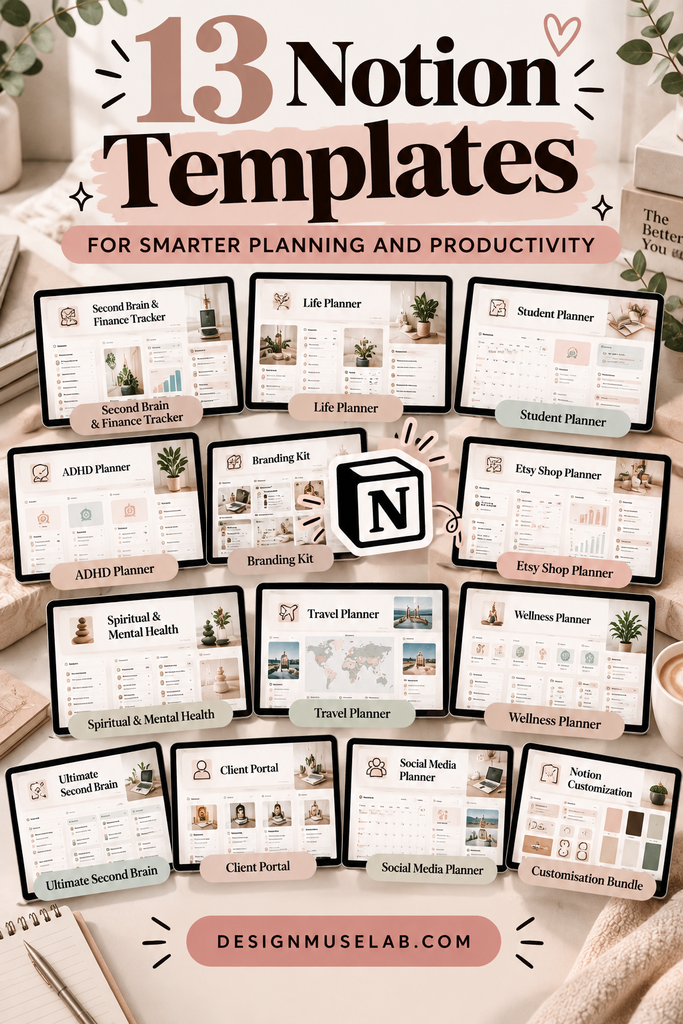
NOTION TEMPLATES · PRODUCTIVITY · ORGANIZATION
Make your everyday life easier to manage with Notion templates for budgeting, studying, business, wellness, travel, content planning, and personal organization.
Notion can become a powerful personal workspace, but building a useful system from scratch takes time. Templates give you a starting point, helping you organize tasks, track goals, manage projects, and keep important information in one place.
In this guide, we explore 13 Notion templates designed for different needs, from managing personal finances and planning trips to organizing an online shop or building a more connected digital workspace.
Quick tip: Choose a template based on a real task you want to simplify. A focused planner you use consistently can be more useful than a complicated workspace with features you never need.
Finance & Personal Organization
Start with templates that help you manage money, organize your information, and create a clearer overview of everyday priorities.
01 · FINANCE & KNOWLEDGE MANAGEMENT
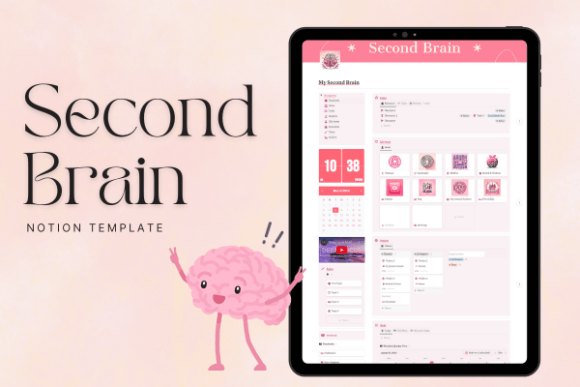
PLR Second Brain Finance Tracker Notion
Combine financial organization with the idea of a digital second brain. This template is worth exploring if you want a dedicated Notion space for keeping track of money-related information alongside your broader planning system.
It may suit users who prefer keeping important notes and personal finance information organized in one workspace instead of scattered across different apps.
02 · LIFE PLANNING
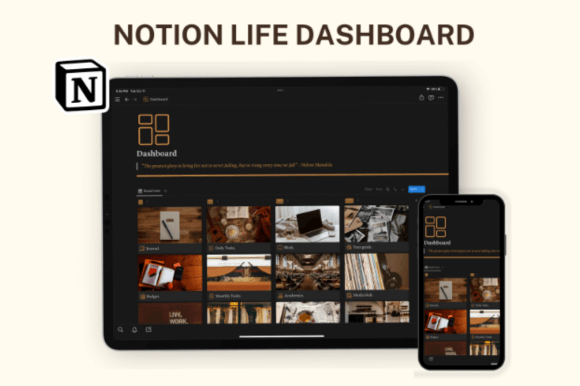
Notion Template, Notion Life Planner
A life planner can provide a central place for your goals, personal projects, routines, and everyday responsibilities. Rather than switching between multiple lists, you can use a dedicated workspace to see what matters and plan your next steps.
Consider this option if you want to make your planning habits more consistent and bring different areas of life into one organized system.
03 · STUDENT PRODUCTIVITY
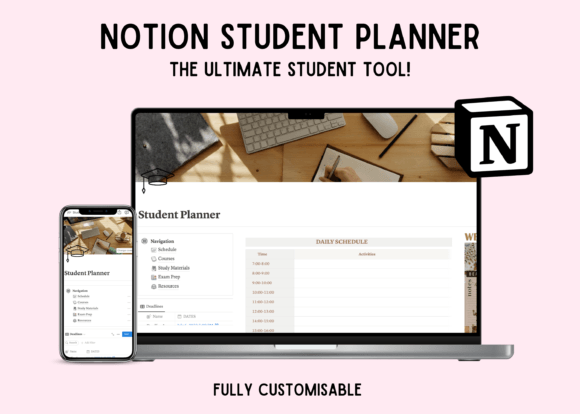
Notion Student Planner Dashboard
Student life often means balancing assignments, exams, projects, deadlines, and personal commitments. A student dashboard can help bring academic tasks into a single overview, making it easier to see what needs attention.
Use a dashboard like this as a starting point for organizing your study schedule and building a repeatable academic routine.
04 · FOCUSED PLANNING
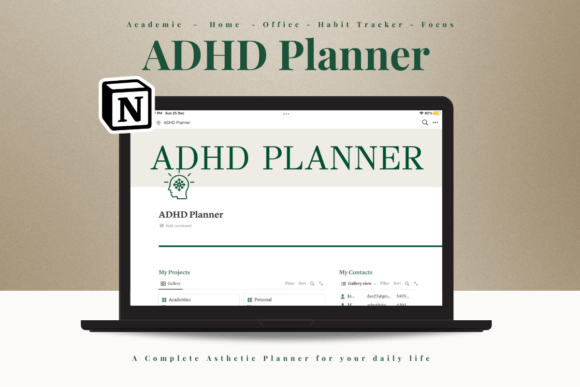
Notion ADHD Planner
A dedicated planning template can help make tasks, reminders, and priorities easier to see. This option may appeal to people looking for a more structured approach to daily planning and task organization.
Adapt the workspace to your own preferences: keep the most important tasks visible, simplify your lists, and avoid adding unnecessary sections that make planning feel overwhelming.
Life Planning & Student Productivity
These templates focus on creating a practical workspace for your personal goals, study responsibilities, and the routines that keep your week running smoothly.
05 · BRANDING & DESIGN
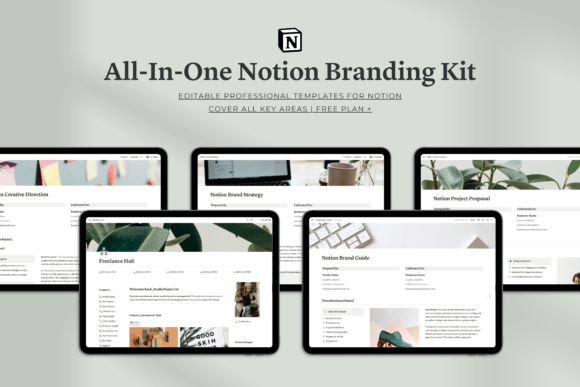
All-in-One Notion Branding Kit
A consistent visual identity can make a workspace feel more personal and easier to navigate. A branding kit for Notion is a useful option for creators who want their dashboards and planning pages to share a cohesive look.
Explore this kit if presentation matters to you and you want your digital workspace to feel aligned with your creative projects or brand identity.
06 · ONLINE SHOP MANAGEMENT
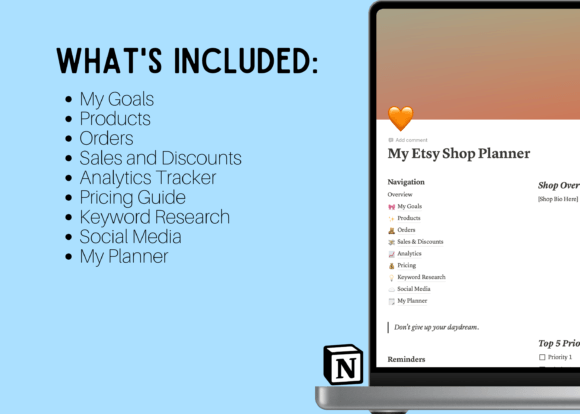
Notion Etsy Shop Dashboard Template
Running an online shop involves more than listing products. Planning new releases, organizing shop tasks, tracking ideas, and maintaining a consistent workflow can all take time.
A shop dashboard offers a dedicated place to organize your business activities and create a clearer overview of what you need to work on next.
07 · WELLNESS & REFLECTION
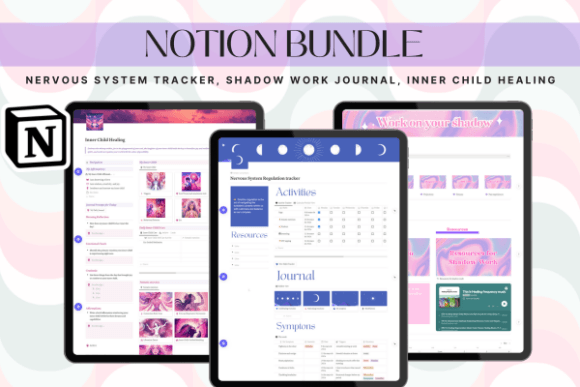
Spiritual Mental Health Notion Bundle
Personal reflection and intentional routines can be easier to maintain when you have a dedicated place for notes and check-ins. This bundle may appeal to users who want to bring reflective practices and personal organization into one space.
Customize any journaling or reflection pages to suit your own preferences, and use them as a personal organizational aid rather than a replacement for professional support when needed.
Business & Creative Work
From building a second brain to managing clients and planning social content, these options can help freelancers, entrepreneurs, and content creators keep their work more organized.
08 · TRAVEL ORGANIZATION
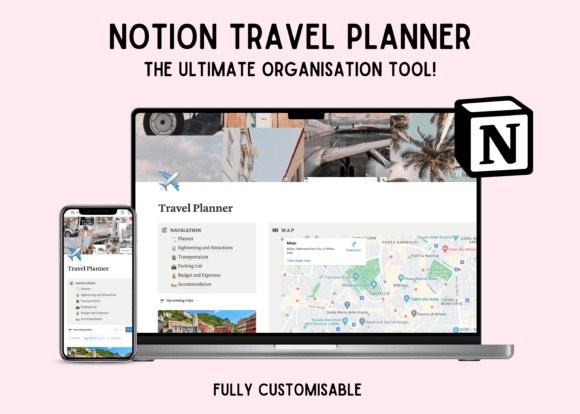
Notion Travel Planner Dashboard Template
Trip planning often means keeping destinations, reservations, schedules, packing reminders, and ideas organized. A travel dashboard gives you a dedicated place to collect these details before and during a trip.
Use a central travel workspace to outline your itinerary, organize research, and keep important trip notes easy to find.
09 · WELLNESS ROUTINES
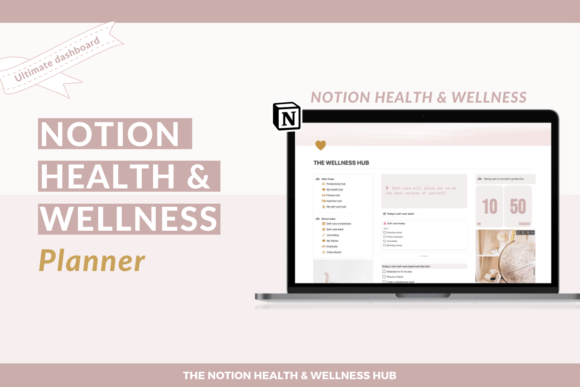
Notion Wellness Planner
A wellness planner can help you organize routines, personal goals, and everyday habits in a single workspace. It can also provide a place to reflect on how your routines are working and make adjustments when your schedule changes.
Keep your setup simple and focus on habits that support your own needs, instead of trying to track every part of your day.
10 · KNOWLEDGE & BUSINESS SYSTEMS
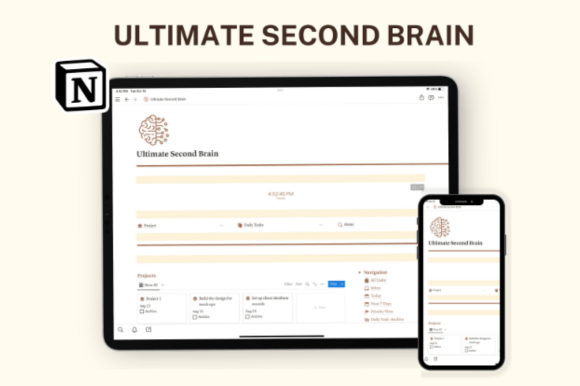
Notion Ultimate Second Brain, Business
A second-brain system is designed to help you capture ideas, save useful information, and make it easier to return to important notes later. A business-focused version may be especially useful when personal knowledge and work projects overlap.
Consider this approach if you regularly collect research, project notes, business ideas, and reference material that needs a more consistent home.
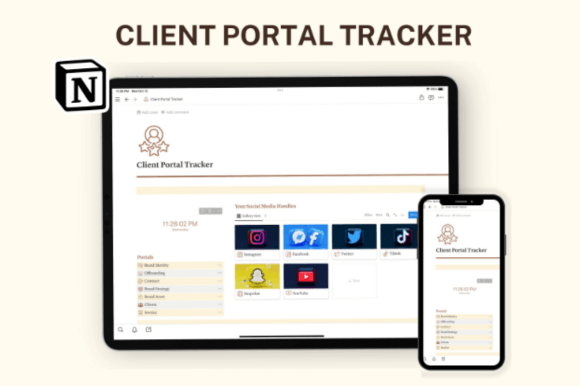
11 · CLIENT MANAGEMENT
Notion Client Portal, Notion Template
Freelancers and service providers often need a reliable way to organize project information, client resources, and next steps. A client portal can offer a structured workspace for keeping relevant project details together.
Before using any client-facing setup, customize its pages, review sharing permissions, and make sure sensitive information is only accessible to the intended people.
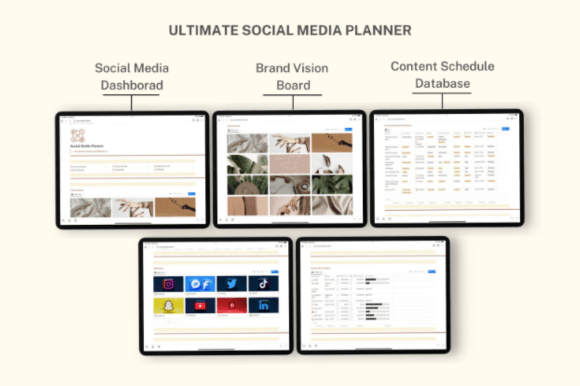
12 · CONTENT PLANNING
Notion Social Media Planner
Consistent content creation requires a steady flow of ideas, a publishing schedule, and a way to keep track of upcoming posts. A social media planner can help you organize content concepts and plan what to publish across your channels.
Use a central content calendar to map out themes, draft ideas, and review upcoming work without relying on scattered notes.
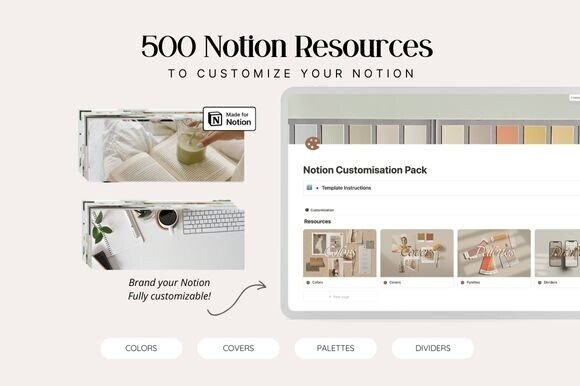
13 · WORKSPACE CUSTOMIZATION
Notion Customisation Bundle
A Notion workspace should reflect the way you prefer to work. A customization bundle is worth considering if you want to personalize your pages and create a more cohesive look across your digital planning system.
Explore the included elements and choose the ones that make your workspace easier to navigate, more visually consistent, and more enjoyable to use.
How to Choose the Right Notion Template
The best template is the one that fits your current workflow. Before choosing, consider what you want to organize and how much time you want to spend maintaining your system.
Use These Steps to Find Your Fit
1. Identify your main goal. Decide whether you need help with finances, studying, business, content, wellness, or everyday planning.
2. Review the template details. Check the product page for included pages, features, format, and any requirements before purchasing.
3. Start with the essentials. Focus on the sections you will actually use instead of filling your workspace with unnecessary trackers.
4. Personalize your setup. Adjust categories, page names, and routines to match your own priorities.
5. Review and refine. After using the template for a while, simplify anything that creates extra work and keep what genuinely helps.
Final Thoughts
Notion templates can make it easier to create a practical system for everyday planning, personal organization, and professional projects. The options in this list cover a variety of needs, from student dashboards and life planners to business systems, travel organization, and content calendars.
You do not need to organize everything at once. Choose the template that addresses your biggest current challenge, customize it to your routine, and build from there.
Frequently Asked Questions
What can I use Notion templates for?
Notion templates can help organize tasks, notes, projects, study schedules, budgets, travel plans, content calendars, business information, and personal goals. The best choice depends on what you want to manage.
Are Notion templates suitable for beginners?
Yes. A template can provide a starting structure without requiring you to build every page yourself. Begin with the essential sections and learn additional features as you need them.
Can I customize a Notion template?
Many Notion templates can be adapted after you add them to your workspace, but the available options depend on the template and its setup. Check the product description for specific details.
How do I decide between an all-in-one planner and a focused template?
Choose a focused template if you have one clear goal, such as managing coursework or planning social posts. An all-in-one system may suit you better if you want to connect several areas of your life or work in a central workspace.
What should I check before buying a template?
Review the product description, included features, preview images, compatibility details, and any instructions provided by the creator. Make sure the template matches your needs before making a purchase.
You may also like:
One Comment