10 Best Notion Templates for Students and Study Planning
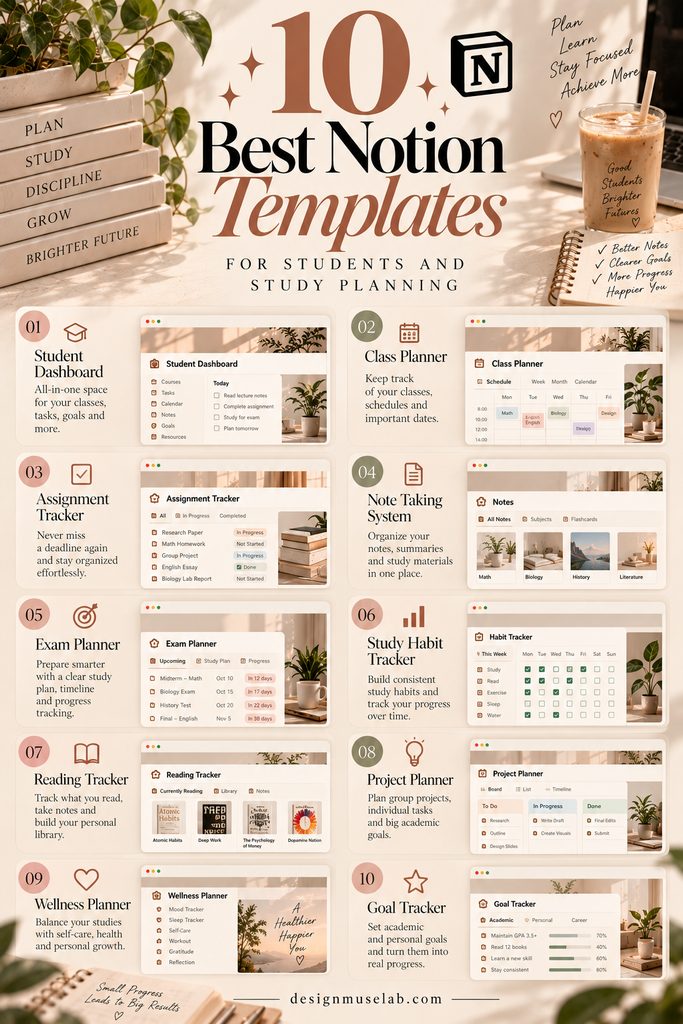
Managing assignments, exam dates, lecture notes, and everyday responsibilities can feel overwhelming. A well-organized Notion workspace can bring your academic tasks together and make it easier to see what needs your attention.
These 10 Notion templates offer different starting points for student life, from dedicated study planners and dashboards to daily planning and productivity tools. Explore the options and choose a setup that fits the way you learn.
Why Use a Notion Template for Studying?
Students often have several kinds of work to manage at once: coursework, independent study, projects, exams, and personal commitments. When information is spread across notebooks, apps, and scattered reminders, it can be harder to understand what to do next.
A Notion template provides a ready-made structure that you can adapt to your classes and routines. Depending on the layout, you may prefer a central dashboard, a planner focused on coursework, or a simple daily task list.
The best option is not necessarily the one with the most sections. It is the one you can maintain consistently without spending more time organizing than studying.
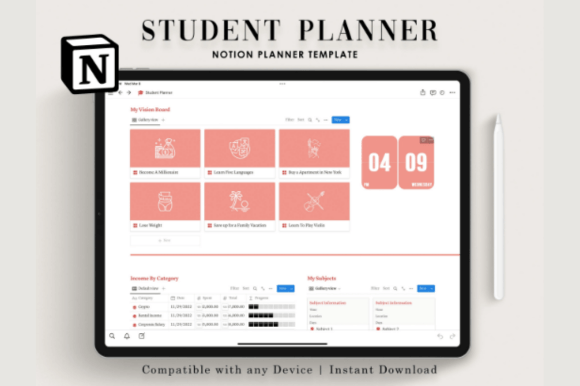
Notion Student Planner
A student-focused planning option for creating a more organized academic workspace. Use it as a starting point for keeping track of coursework, study priorities, and the responsibilities that come with student life.
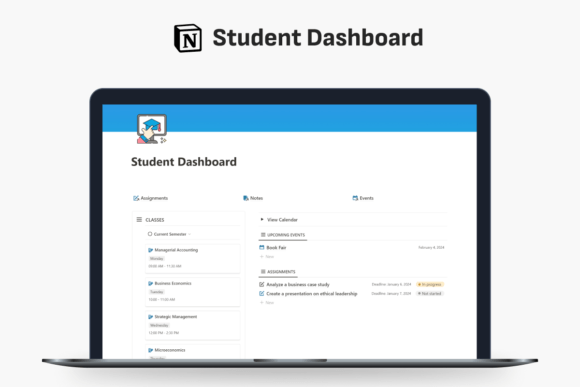
Student Dashboard Notion Template
A dashboard-style workspace is a useful choice if you prefer opening one main page to orient yourself. It can serve as the starting point for your academic planning system, with links to the pages you use most.

College Planner Notion Template
College life can involve classes, assignments, group projects, exams, and activities outside the classroom. A college-oriented planner offers a starting point for bringing these responsibilities into one workspace.

Student Planner Notion Template
If you want a student-oriented planning system without starting from a blank page, this template is another option to consider. Review its layout to see whether it matches your preferred way of organizing schoolwork.

Study/Pomodoro Notion Template
The Pomodoro method is commonly used to structure focused work into manageable sessions separated by breaks. A study-oriented template can be a useful companion for planning those sessions and keeping study tasks visible.
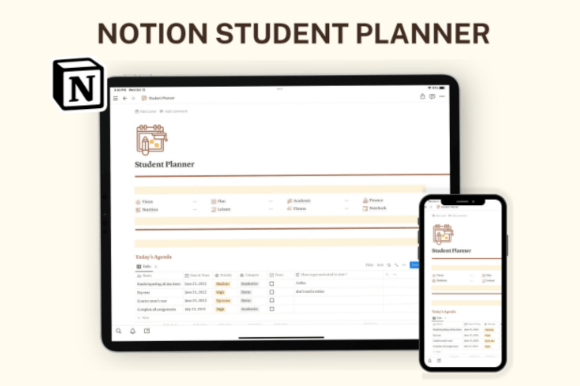
Notion Student Template, Student Planner
This student template is another starting point for building an academic workspace. Compare its design and organization with the other planners on this list before deciding which one feels easiest to use.
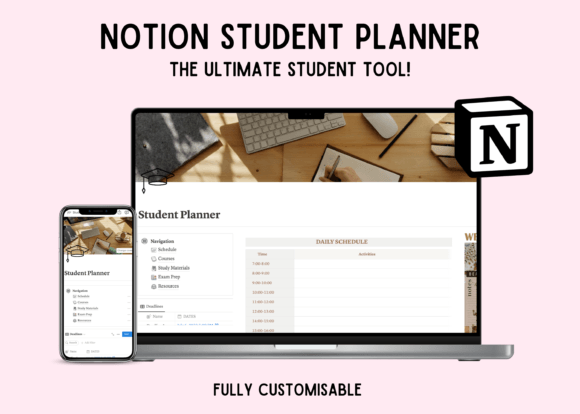
Notion Student Planner Dashboard
If you like the idea of a dashboard but also want a student-planning focus, this option is worth reviewing. Consider whether its visual structure makes it easy to identify the academic tasks that matter most each day.

Student Dashboard Notion Template (Alternative Layout)
This alternative dashboard gives you another design to compare with the previous student dashboard. Look at the page structure, visual hierarchy, and ease of navigation to decide which style better suits your routine.

Busy Being Productive Notion Template
Academic work is only one part of a student’s schedule. A broader productivity template may be helpful if you want to plan study time alongside personal tasks, routines, and other everyday responsibilities.

Daily Planner – Notion Template
Sometimes a simple daily view is all you need. A daily planner can provide a place to outline priorities, map out available study time, and remember smaller tasks that might otherwise be overlooked.
How to Choose the Right Notion Template for Your Studies
Before choosing a template, think about the part of student life you most want to organize. A focused study planner and a general productivity dashboard serve different purposes, so start with your biggest everyday challenge.
Choose based on your main priority
- Keeping coursework organized: Start with a student planner or college planner.
- Seeing your workspace at a glance: Compare the student dashboard options.
- Structuring study sessions: Consider the Study/Pomodoro template.
- Managing school and personal tasks together: Look at a broader productivity template.
- Planning one day at a time: A daily planner may be enough.
Questions to ask before you commit
- Can I understand the layout quickly without a long setup process?
- Can I adapt it to my classes, deadlines, and study habits?
- Does it help me identify the next task without unnecessary clutter?
- Can I remove sections I do not need?
- Have I checked the product page for included features and compatibility?
Product names alone do not guarantee a particular set of features. Review each Creative Fabrica listing and its screenshots to confirm what is included before making a purchase.
How to Build a Simple Study Workflow in Notion
You do not need to organize your entire academic life in one afternoon. Start with a small system that supports your current classes and expand it only when you notice a real need.
1. List your current classes and responsibilities
Begin by noting your courses, upcoming assignments, exam dates, and important commitments. Keep the initial list short and focused on what you actually need to remember.
2. Turn large assignments into smaller actions
Instead of writing only “finish project,” break the work into clear next steps, such as reviewing instructions, gathering sources, drafting, and checking the final submission. Smaller actions can make it easier to get started.
3. Plan realistic study sessions
Estimate how much time you have available and choose a manageable task for each session. If timed sessions help you focus, try a Pomodoro-style approach with regular breaks. Adjust the length to suit the work and your concentration.
4. Review your plan regularly
At the beginning or end of each day, take a few minutes to check upcoming deadlines, update completed tasks, and choose your next priorities. A brief review is often more sustainable than constantly redesigning your workspace.
5. Keep the system simple
Avoid adding databases, trackers, and decorative sections simply because they are available. Keep the pages that genuinely help you plan, study, and review your progress.
Study Planning Tips That Make Your Template More Useful
Make planning work for you
- Choose three priorities: Identify a few important tasks instead of filling every hour.
- Include breaks: Leave room for meals, rest, and unexpected changes.
- Plan backward from deadlines: Give larger assignments several smaller milestones.
- Use one trusted task list: Reduce the need to check multiple places for the same information.
- Review, then adjust: Your schedule can change when your workload or circumstances change.
Remember that a planner is a support tool, not a measure of your ability or productivity. Missing a planned task does not mean you have failed; it simply gives you a chance to revise your plan.
Frequently Asked Questions
Is Notion useful for students?
Notion can help students keep notes, tasks, project information, and planning pages in one workspace. Whether it is useful for you depends on your preferred study methods and how consistently you use the system.
Which Notion template is best for studying?
It depends on what you need. A student planner may suit coursework and deadlines, a dashboard may help you navigate several pages, a Pomodoro-focused template may support timed study sessions, and a daily planner may be enough for basic task management.
Can I customize a Notion student template?
Notion workspaces can generally be adapted to individual preferences, but the exact editing options and included content may depend on the template. Check the product listing for details before purchasing.
Do I need several templates at once?
No. Starting with one template is often easier. Use it for a while and add another tool only if you find a specific need that your current setup does not address.
What is the Pomodoro study method?
It is a time-management approach that alternates focused work periods with short breaks. You can adapt the length of each period to your task, energy, and concentration needs.
What should I check before buying a template?
Review the screenshots, description, included pages or features, compatibility information, and any instructions supplied by the creator. Make sure the template matches your needs rather than relying on its title alone.
Final Thoughts
The right Notion template can give your study routine a clearer structure, whether you need an academic planner, a central dashboard, a focused study workspace, or a simple daily task list.
Start by identifying what you want to make easier. Compare the 10 options above, check the details of each product, and choose a layout that feels practical for your classes and everyday life. You can always adjust your system as your needs change.
Most importantly, let your planner support your learning—not become another assignment to complete.
You may also like: