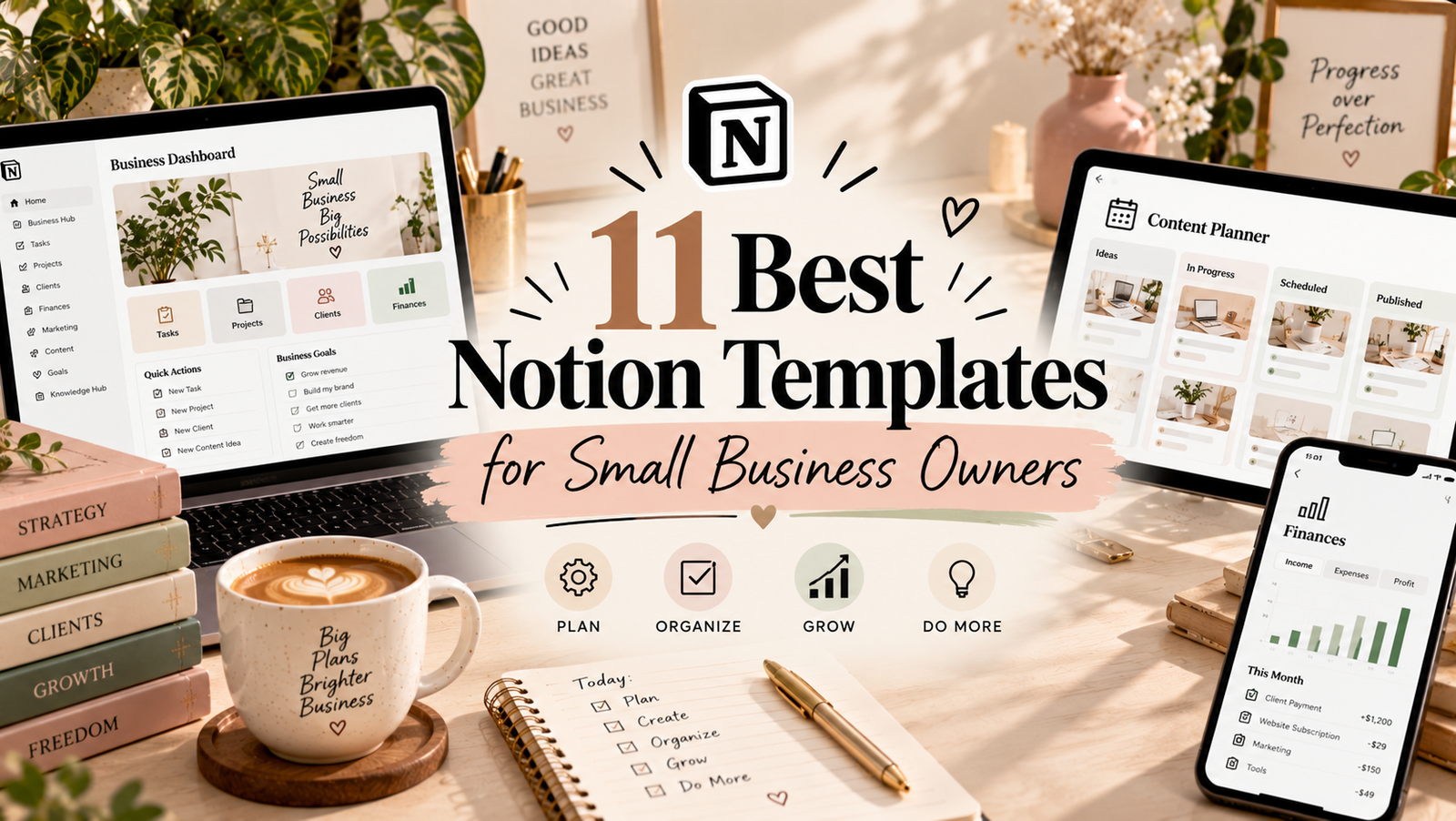
11 Best Notion Templates for Small Business Owners

Running a small business means juggling many responsibilities: managing clients, organizing projects, creating content, tracking finances, and keeping daily tasks under control. When information is scattered across different apps and documents, it can become harder to stay organized and focus on growing your business.
Notion can bring many of these workflows into one workspace. With the right template, you can create a central place for project planning, customer information, content calendars, business finances, and online shop operations.
In this guide, we’ll explore 11 Notion templates for small business owners, freelancers, creators, and online sellers. Whether you’re launching a digital product or organizing an established business, these options can help you identify a workflow that fits your needs.
11 Best Notion Templates for Small Business Owners
Each template below focuses on a different aspect of business organization. Some are designed around client and project management, while others focus on finance, marketing, digital products, or online shops. Review the product details to determine which one best fits your current workflow.

1. Digital Product Creation Planner Notion
Creating a digital product can involve several stages, from developing the initial idea to preparing the final files and planning a launch. A dedicated creation planner can help you organize the steps and keep related tasks in one place.
Best for: Digital product creators, online entrepreneurs, and product launch planning.

2. Freelance Client & Project CRM Notion
Freelancers often need to keep client details, project information, deadlines, and follow-up tasks organized. A client and project CRM can provide a central workspace for managing those relationships and tracking ongoing work.
Best for: Freelancers, consultants, and service-based businesses.

3. CRM Tracker Notion Template
A CRM tracker can help you organize contacts, keep track of customer interactions, and remember potential follow-ups. It may be useful if you want a more structured way to manage prospects and business relationships.
Best for: Contact management, lead tracking, and customer follow-ups.

4. Notion Advanced CRM Template
If managing business relationships is becoming more complex, an advanced CRM template is worth exploring. Review its structure and available features to see whether it can support the way you track prospects, customers, and ongoing conversations.
Best for: Businesses that need a more structured CRM workspace.
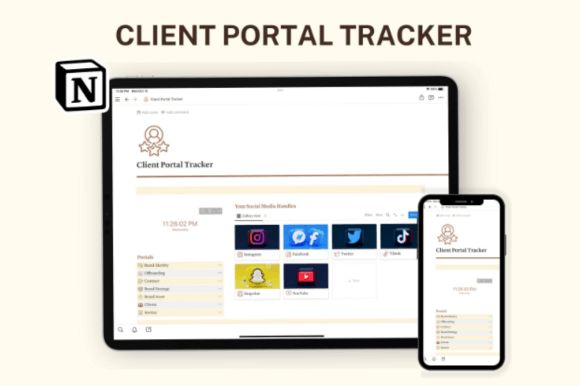
5. Notion Client Portal
A client portal can help service providers organize project information and client-facing resources in a dedicated space. Consider this option if you want a more structured way to share information and coordinate work with clients.
Best for: Consultants, freelancers, agencies, and client-based services.
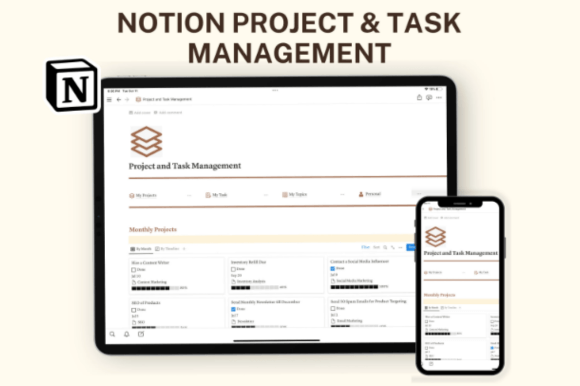
6. Notion Template Business – Project & Task Management Planner
Small business owners often handle several projects at once. A project and task management planner can help break larger goals into actionable steps, organize deadlines, and keep important work visible.
Best for: Project planning, task organization, and managing business priorities.
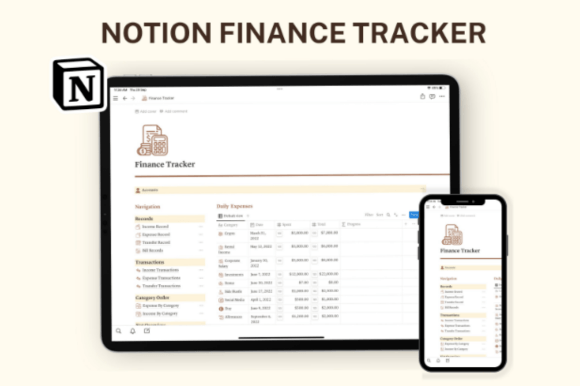
8. Notion Finance Template
Keeping business finances organized is an important part of running a small business. A finance-focused template may help you maintain a clearer overview of financial information, depending on the tools and fields included in the product.
Best for: Basic financial organization and business finance tracking.
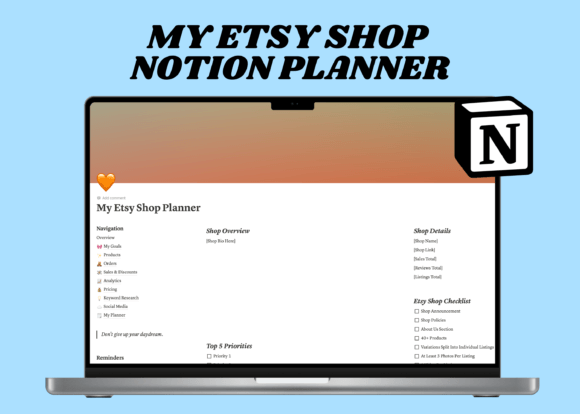
9. Notion Etsy Shop Dashboard Template
Running an Etsy shop involves managing product listings, shop tasks, and ongoing business activities. A shop dashboard can provide a central place to organize the information you use most often while operating your store.
Best for: Etsy sellers and handmade or digital product businesses.
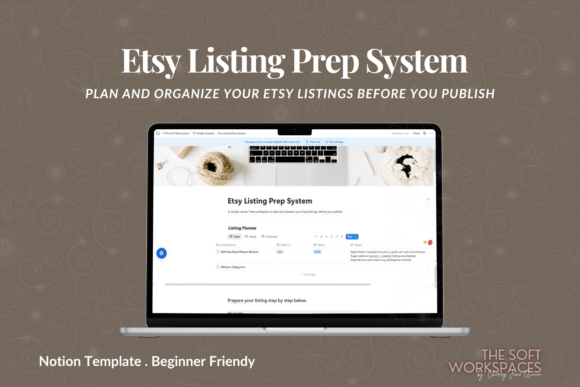
10. Etsy Listing Prep System Notion
Preparing product listings can involve gathering descriptions, images, keywords, and other details before publishing. A listing preparation system can help you organize that work and create a more consistent process for adding products to your shop.
Best for: Etsy sellers preparing and organizing product listings.

11. Candle Business Content Planner Notion
A candle business may need a steady flow of content for product launches, seasonal promotions, and brand storytelling. A niche-specific content planner can help you map out marketing ideas and organize publishing tasks around your business.
Best for: Candle makers, handmade product businesses, and niche content planning.
How to Choose the Right Notion Template for Your Business
The most useful template is one that supports the way your business actually operates. Before purchasing, identify the workflow that needs the most attention and compare templates against that specific need.
1. Identify your biggest organizational challenge
Do you need to keep track of leads, coordinate projects, plan social media posts, organize shop listings, or review financial information? Start with the task that currently takes the most time or is easiest to overlook.
2. Choose a template for your business model
A freelancer may benefit most from a client CRM, while an Etsy seller may prefer a shop dashboard or listing preparation system. Choose a template that reflects the work you do every week rather than one that simply looks comprehensive.
3. Check what is actually included
Review the product page and preview to understand its layout, databases, instructions, and included features. Do not assume that integrations, automated calculations, or advanced reporting are included unless the listing explicitly confirms them.
4. Keep your workspace manageable
A large all-in-one system can be useful, but too many pages and databases can add unnecessary complexity. Choose a setup you can maintain and expand as your business grows.
5. Review price and licensing
Check the current price, included files, and usage terms before purchasing. If you plan to use a template with a team or share it with clients, confirm that its terms allow your intended use.
Tips for Using Notion in Your Small Business
Build one central dashboard
Create a main page that links to the most important areas of your business, such as projects, clients, marketing, and finances. A central starting point can reduce the time spent navigating between pages.
Use consistent task statuses
Keep project stages simple and consistent. Labels such as “Not started,” “In progress,” and “Complete” can make it easier to see what needs attention without adding unnecessary steps.
Schedule a weekly business review
Set aside time each week to review upcoming deadlines, client follow-ups, marketing plans, and priorities. Use the review to decide what matters most for the next few days.
Keep client information organized responsibly
If you store client or business information in Notion, review your workspace permissions and sharing settings. Keep sensitive information limited to the people who need access, and follow any privacy or contractual requirements that apply to your business.
Update the system as your business changes
Your needs may change as you add products, take on more clients, or expand your marketing. Review your workspace periodically and remove fields or pages that no longer serve a useful purpose.
Frequently Asked Questions
Is Notion useful for small business owners?
Notion can be useful for organizing tasks, projects, notes, content plans, and other business information. The value depends on how well the workspace fits your processes and how consistently you maintain it.
Which Notion template is best for freelancers?
A freelancer may want to start with a client and project CRM or a client portal. The best option depends on whether the main need is tracking relationships, organizing project work, or sharing information with clients.
Can I use Notion to manage an Etsy shop?
Notion can help you organize shop-related tasks, listing preparation, content planning, and other workflows. Check each template’s product details to understand its included features and whether it meets your needs.
Can Notion replace accounting software?
A Notion finance template may help organize financial information, but it should not automatically be treated as a replacement for dedicated accounting or tax software. Choose tools that meet your recordkeeping and reporting requirements.
Are these Notion templates free?
Pricing varies by product and may change over time. Visit each product page to check the current price, included features, and any applicable usage terms.
Should I use one template or several?
Start with one template that solves your most important problem. Add more only when you have a clear need, and make sure the systems work together without duplicating information unnecessarily.
Final Thoughts
The right Notion template can help small business owners bring important workflows into a more organized system. Whether you need a client CRM, a project planner, a finance workspace, or a content calendar, start with the task that would benefit most from a clearer process.
Compare the 11 templates above, review their product details, and choose one that fits your business model and working style. A practical system you use consistently is more valuable than a complicated workspace that is difficult to maintain.
Ready to organize your business? Explore the templates above and choose a starting point that supports your next business goal.
You may also like:
- 20 Best Notion Templates for Productivity and Organization
- 13 Notion Templates for Smarter Planning and Productivity
- 19 Aesthetic Notion Templates to Organize Your Life
- 14 Notion Templates for Wellness, Self-Care and Mindfulness
- 25 Best Notion Templates for Freelancers and Businesses
- 10 Best Notion Templates for Students and Study Planning



7. Notion Social Media Content Planner
Planning social media content in advance can make marketing more manageable. A content planner can help you organize post ideas, coordinate a publishing schedule, and keep campaign tasks from getting lost among everyday responsibilities.
Best for: Small business marketing, content calendars, and social media planning.